Cybersecurity & Technology
Find & Remove
Malware From Your Computer
An Easy Tutorial Using Process Explorer
Step-by-step: identify hidden threats and remove them from your PC — no expensive tools required.
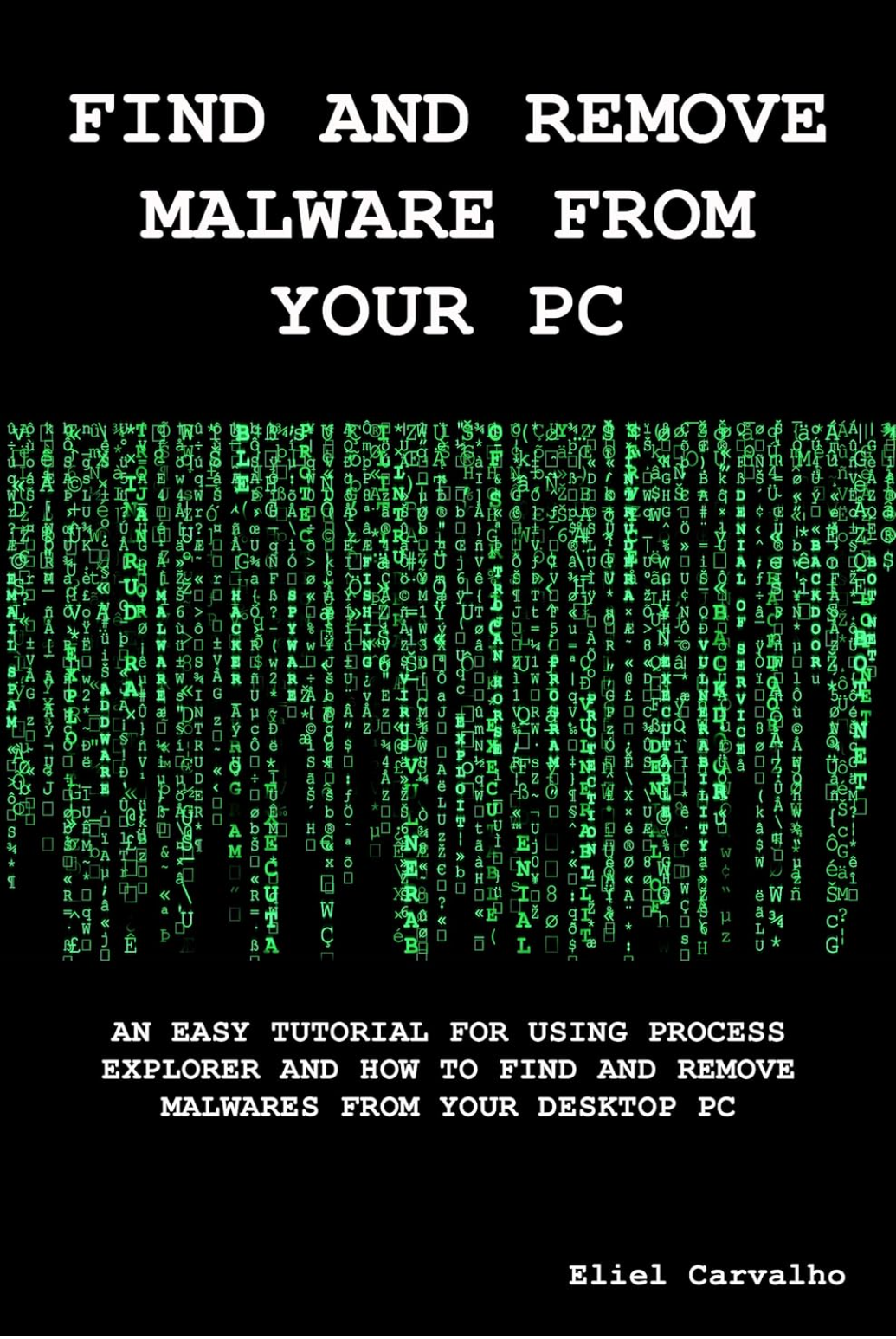
About This Book
What You’ll Learn
Malware doesn't announce itself. It hides in plain sight — masquerading as system processes, running silently in the background, and draining your PC's performance while your antivirus software misses it entirely.
This tutorial shows you exactly how to use Process Explorer, a free tool from Microsoft Sysinternals, to expose what is actually running on your computer. You'll learn to read the process tree, identify suspicious entries, cross-reference against known good processes, and safely terminate and remove threats that conventional antivirus tools fail to catch.
The tutorial is written for everyday PC users, not security professionals. Every step is illustrated with clear explanations, and you'll finish with a practical, repeatable method for keeping your computer clean — and the confidence to use it whenever something feels wrong.
Step-by-Step Chapters
What’s Covered
- What malware is and how it hides from standard antivirus tools
- Downloading and setting up Process Explorer (free from Microsoft)
- Reading and understanding the process tree
- Identifying suspicious and malicious processes
- Cross-referencing processes against trusted databases
- Safely terminating and removing malware entries
- Verifying your system is clean after removal
- Preventing future infections
Ideal Reader
Who This Is For
Windows PC users of any skill level who want a reliable, hands-on method for detecting and removing malware without paying for expensive software.
Tool Used
Process Explorer by Microsoft Sysinternals
Free, no installation required, trusted by security professionals worldwide.
Available Now on Amazon
Take Control of Your PC Security
A hands-on, no-jargon method to find and remove threats your antivirus software misses — using a free Microsoft tool you can download right now.
Get It on Kindle →Reads on any device with the free Kindle app.